Cloud Security Essentials for Growing Small Businesses
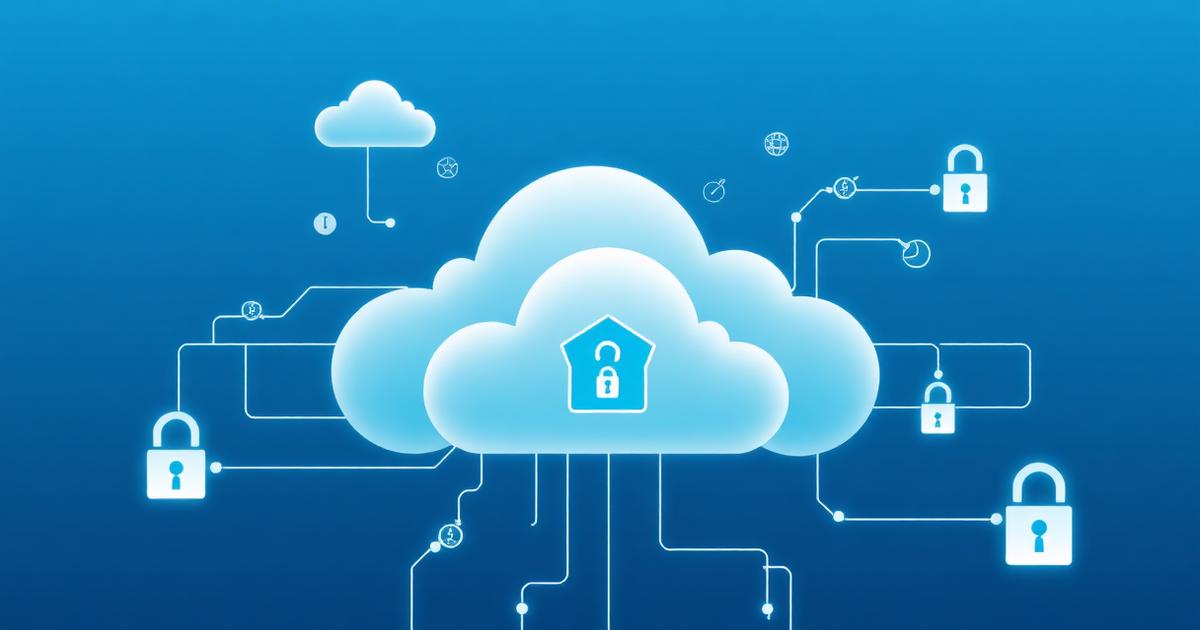
The cloud has democratized technology, giving small businesses access to enterprise-grade infrastructure without capital investment. However, cloud security is fundamentally different from traditional on-premises security. You're no longer protecting a defined perimeter but securing distributed resources across multiple cloud services. Misconfigurations are the leading cause of cloud breaches, often exposing sensitive data publicly within hours of deployment. The shared responsibility model means you're responsible for security 'in' the cloud while providers handle security 'of' the cloud. This guide provides essential security practices for small businesses leveraging AWS, Azure, Google Cloud, or SaaS applications.
Identity and Access Management
Identity becomes the control plane for cloud security. Implement centralized identity management using your cloud provider's IAM service or third-party solutions like Okta. Create unique accounts for every user and service—never share credentials. Use groups and roles to manage permissions rather than assigning to individuals. Follow the principle of least privilege: grant minimum permissions necessary to perform tasks. Enable MFA on all accounts, especially privileged users. Use service accounts and managed identities for applications instead of embedding credentials in code. Implement just-in-time access for administrative operations—elevate privileges temporarily rather than maintaining always-on admin access. Regularly audit permissions and remove unused access. Rotate access keys and passwords systematically. Monitor for privilege escalation attempts. Set up alerts for suspicious authentication patterns: logins from unusual locations, credential reuse, or failed authentication attempts.
Data Protection and Encryption
Data is your most valuable asset and primary target for attackers. Classify data based on sensitivity and apply appropriate controls. Encrypt data at rest using your cloud provider's encryption services—they're often free and enabled by default, so there's no excuse not to use them. Encrypt data in transit using TLS 1.3 between all components. Manage encryption keys carefully: use cloud provider key management services (KMS) rather than managing keys yourself unless regulations require it. Implement access controls on data stores: S3 buckets, databases, file shares. Regularly scan for publicly accessible storage—automated tools can check this continuously. Enable versioning on critical data stores to recover from ransomware or accidental deletion. Implement data loss prevention (DLP) to prevent sensitive data exfiltration. Ensure backups are encrypted and tested regularly. Consider data residency requirements if operating globally.
Network Security and Segmentation
Cloud networks require different security approaches than traditional networks. Use Virtual Private Clouds (VPCs) to logically isolate your resources from other cloud tenants. Segment your VPC into subnets based on function: public subnets for internet-facing resources, private subnets for application layers, and isolated subnets for databases. Implement security groups and network ACLs to control traffic flow—default deny and explicitly allow required traffic. Never expose management interfaces or databases directly to the internet. Use VPNs or private connectivity like AWS Direct Connect for hybrid cloud scenarios. Implement Web Application Firewalls (WAF) to protect internet-facing applications from common attacks. Enable VPC flow logs to monitor network traffic patterns. Use Cloud Access Security Brokers (CASB) to extend security controls to SaaS applications. Deploy DDoS protection services offered by cloud providers.
Configuration Management and Compliance
Misconfigurations cause most cloud breaches—exposed S3 buckets, overly permissive IAM policies, unencrypted databases. Implement infrastructure as code (IaC) using Terraform, CloudFormation, or Azure Resource Manager to define infrastructure consistently. Version control your IaC templates—treat infrastructure like application code. Implement automated security scanning in your deployment pipeline to catch misconfigurations before production. Use cloud provider security benchmarks: CIS Benchmarks for AWS, Azure, and GCP provide comprehensive security guidance. Enable cloud-native security services: AWS Security Hub, Azure Security Center, or Google Cloud Security Command Center consolidate security findings. Implement automated compliance checking against standards like SOC 2, ISO 27001, or HIPAA if applicable. Set up alerting for configuration changes that increase security risk. Conduct regular security assessments and penetration testing—most cloud providers allow testing with notification.
Monitoring, Logging, and Incident Response
You can't protect what you can't see. Enable comprehensive logging across all cloud services: authentication logs, API calls, configuration changes, network flows, and application logs. Forward logs to a centralized SIEM or log analysis platform for correlation and analysis. Implement real-time alerting for security-relevant events: new IAM user creation, changes to security groups, unusual API activity, or failed authentication attempts. Use cloud provider security services like AWS GuardDuty, Azure Defender, or Google Chronicle to detect threats using machine learning. Define baselines for normal activity and alert on deviations. Develop cloud-specific incident response procedures—cloud breaches require different response tactics than on-premises incidents. Understand how to isolate compromised resources, preserve forensic evidence in cloud environments, and leverage cloud provider support during incidents. Practice incident response through simulations.
Conclusion
Cloud security isn't optional—it's fundamental to successfully leveraging cloud services. Small businesses can implement robust cloud security without massive investments by using cloud-native security services, following best practices, and automating where possible. Start with fundamentals: strong identity management, encryption, and network segmentation. Build from there with continuous monitoring and compliance checking. The cloud offers tremendous security capabilities, but they must be configured and managed properly. Treat cloud security as an ongoing program, not a one-time project. As your cloud adoption grows, your security practices must evolve. Invest time learning your cloud provider's security services—they offer powerful capabilities often included in your cloud costs. Cloud security is different, but not harder, than traditional security once you understand the model.
About the Author
Bleach Security Team is part of the Bleach Security team, specializing in cloud security, compliance, and helping businesses protect their digital assets.
Published on October 15, 2025
Ready to Enhance Your Cybersecurity?
Discover how Bleach Security can help protect your business with our comprehensive security solutions.
Related Articles

Data Backup and Disaster Recovery: The Complete SMB Playbook for 2026
Backups are only as good as your last successful restore. Learn how to build a modern, ransomware-resilient backup and disaster recovery strategy that keeps your small business running through any incident.
Cyber Insurance for Small Businesses: What You Need to Know in 2026
A single data breach can cost a small business hundreds of thousands. Cyber insurance is no longer optional — here's how to choose the right policy and avoid costly coverage gaps.